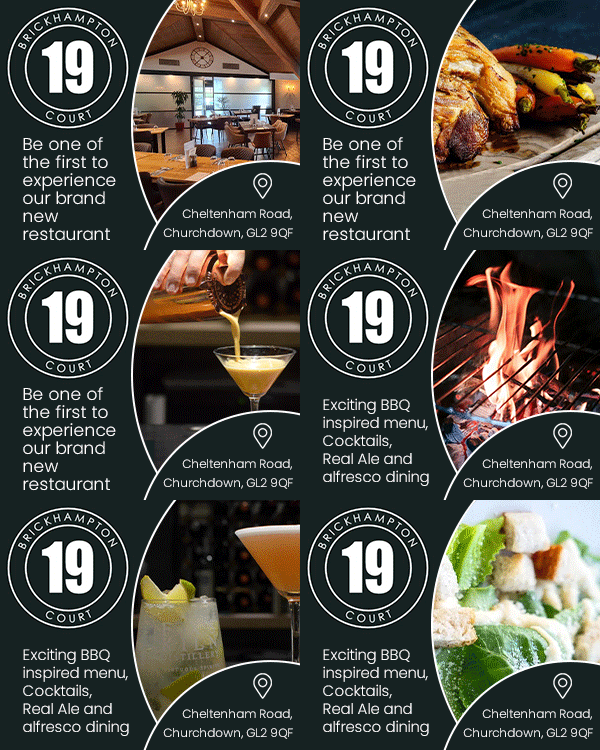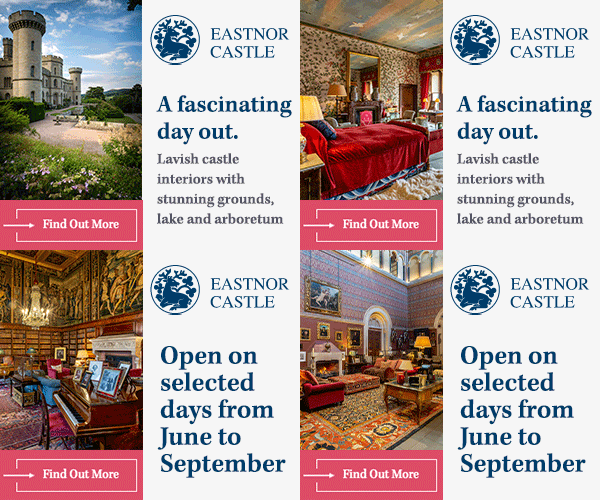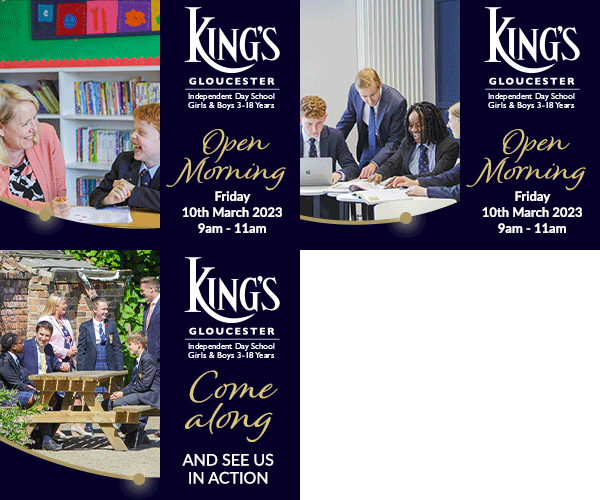


Display advertising allows SoGlos's partners to reach more readers than any other service with their branding and key messages, with engaging and eye-catching adverts positioned alongside SoGlos’s unique and relevant content on a section-by-section basis.
Display adverts should be provided to the specifications detailed below or can be crafted for you by SoGlos's in-house designer.
Display advertising technical specifications
Wallpaper
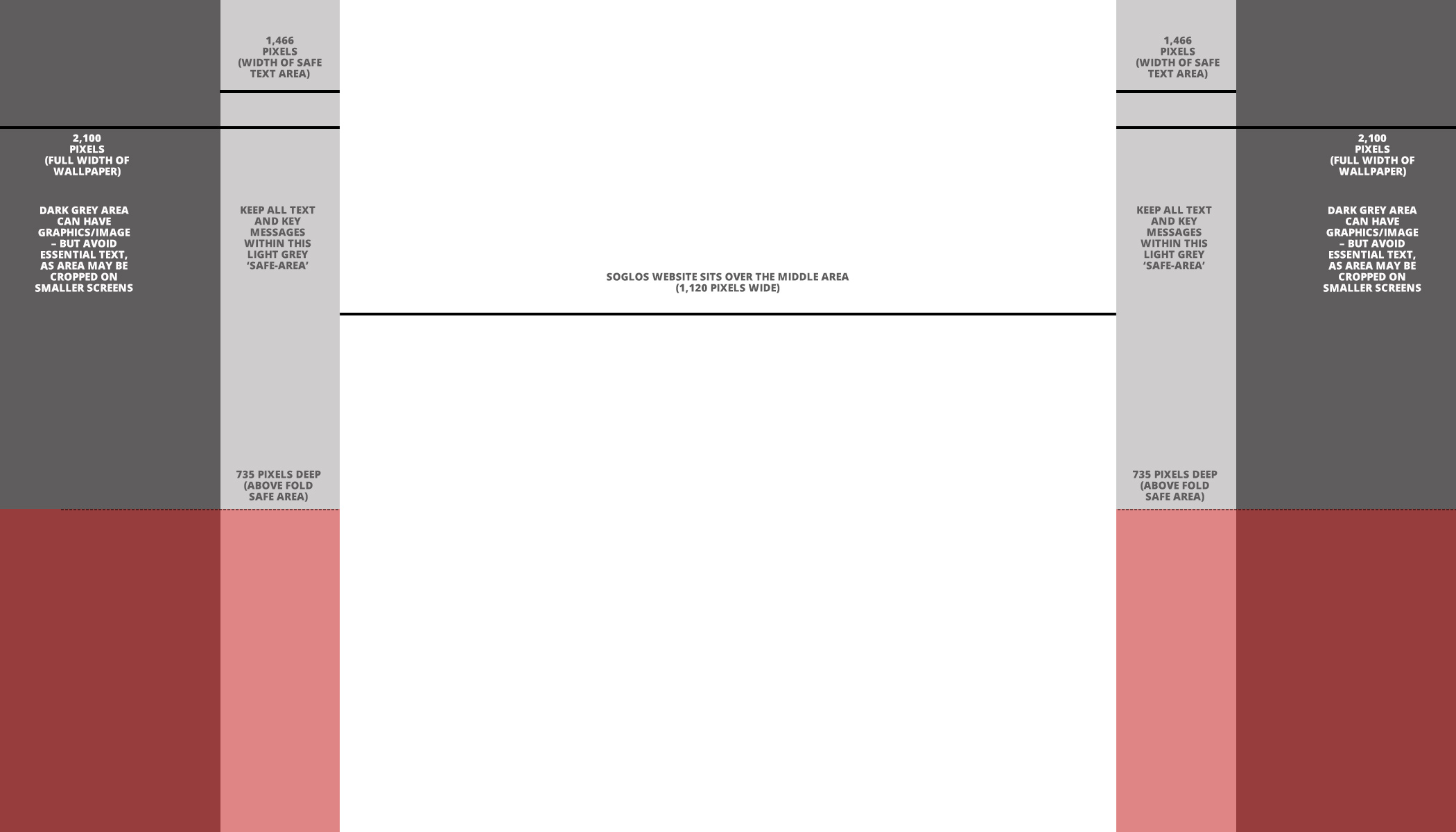
2,100px wide, 1,200px tall | JPG or animated GIF | Maximum 400k file size
Wallpaper design guide
Billboard
970px wide, 250px tall | JPG or animated GIF | Maximum 200k file size
Super skyscraper
300px wide, 600px tall | JPG or animated GIF | Maximum 200k file size
MPU
300px wide, 250px tall | JPG or animated GIF | Maximum 200k file size
Deadlines
Supplying your own display adverts
Please send the final files at least five working days before your campaign start date, by the Monday before your advert is due to go live.
This gives us time to check artwork and schedule adverts in our system. Any delays risk impacting the effectiveness of your campaign and we may not be able to provide alternative positions.
If SoGlos is creating your display adverts
Please send your logo, images, messaging, examples (if possible) and any required links ten working days before your campaign start date, by the Monday two weeks before your advert is due to go live.
This gives us time to create artwork, send it to you for approval and schedule adverts in our system. Any delays risk impacting the effectiveness of your campaign and we may not be able to provide alternative positions.
Display advertising design top tips
- Don't try to include too much information - adverts with clean designs and a short, focused message perform better
- Avoid white backgrounds - instead use blocks of colour, imagery or frame your display advert design with a simple border
- If you're designing an animated GIF, limit the number of frames to around three to ensure it's as effective as possible
- When creating your artwork canvas, ensure the dimensions are set to pixels inline with the above specifications
- The different display advertising formats (wallpaper, billboard, super skyscraper and MPU) won't be shown at the same time, so the design and key messages should be the same throughout
Display advert examples
Effective wallpaper display advert examples

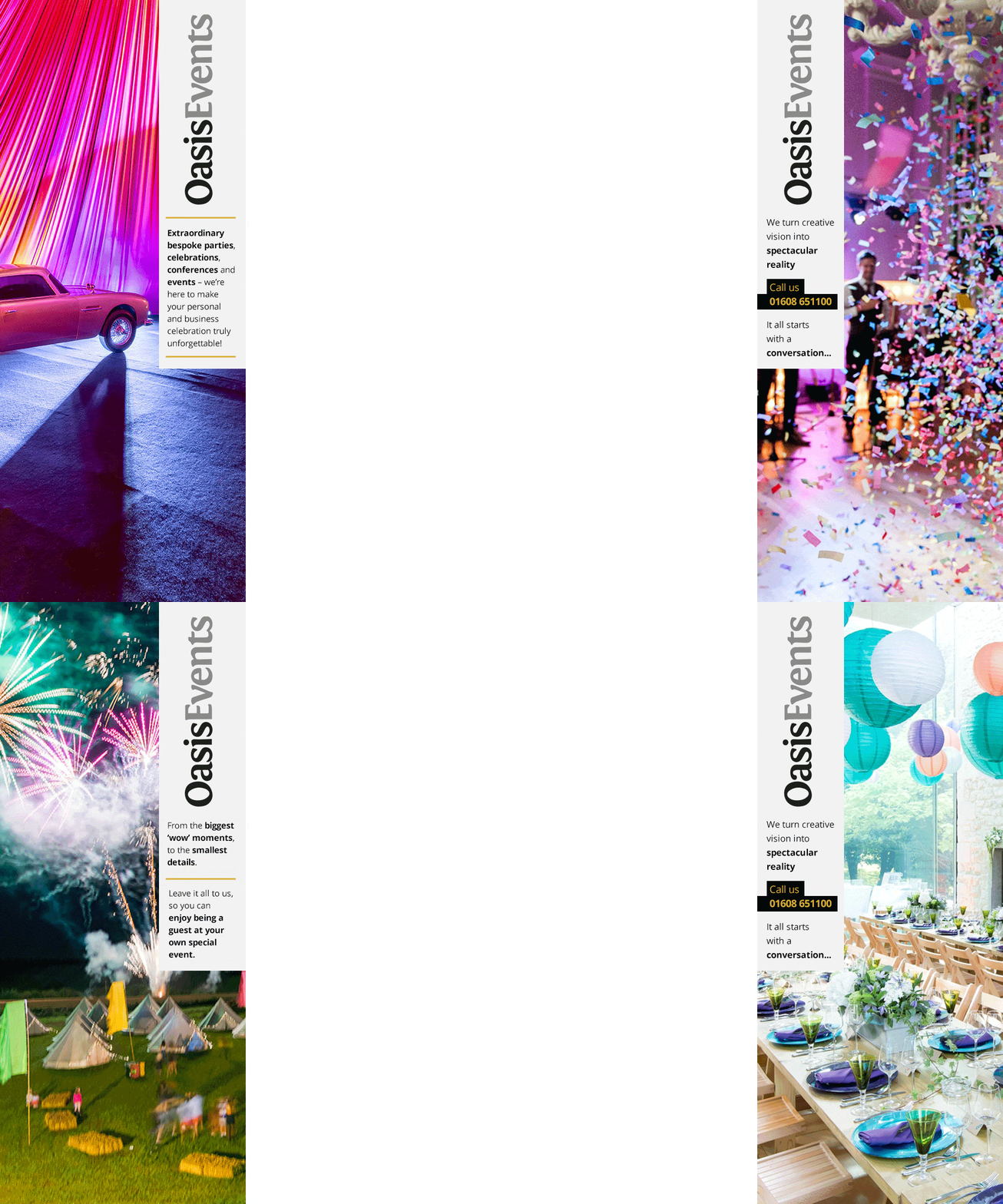
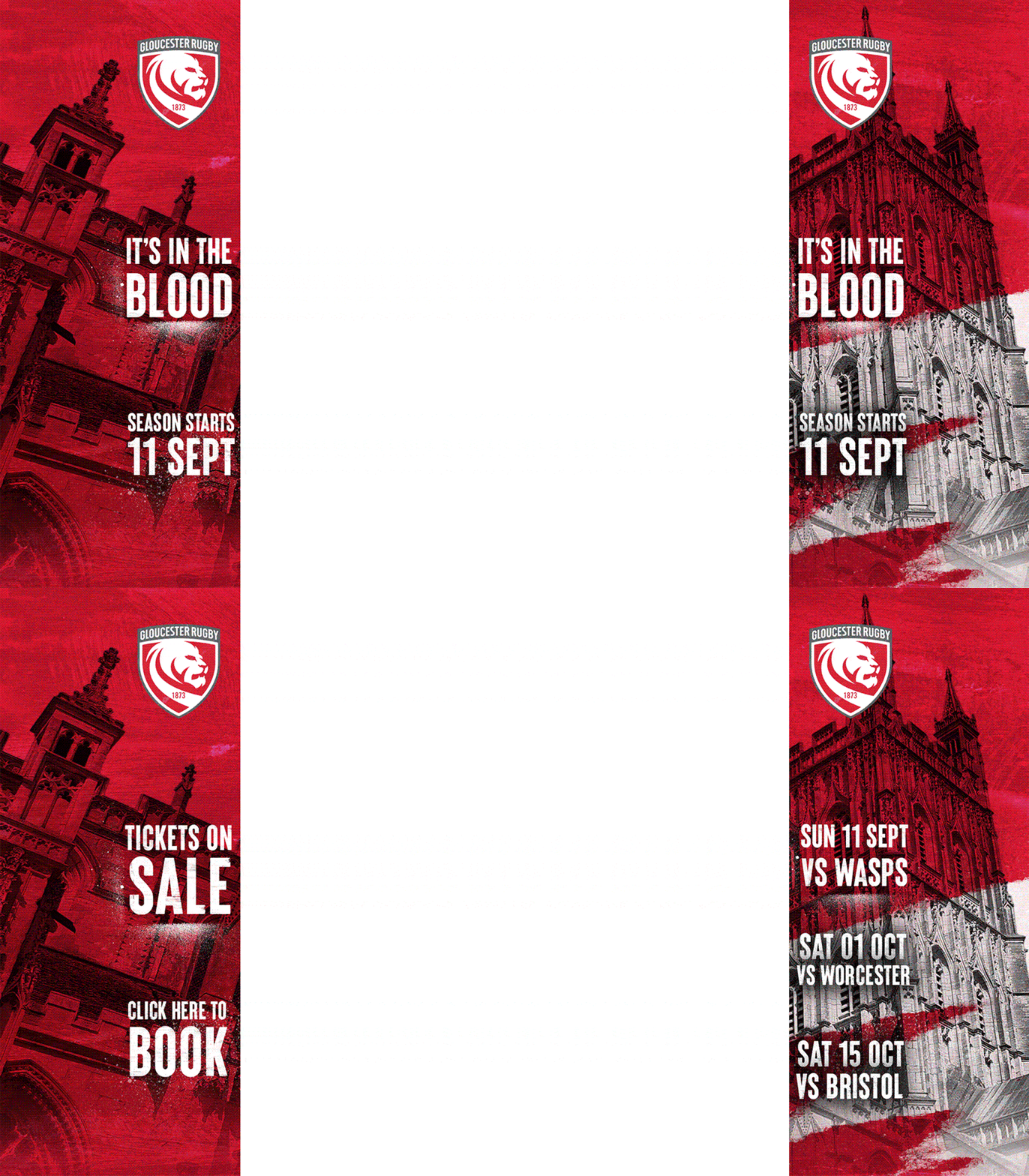

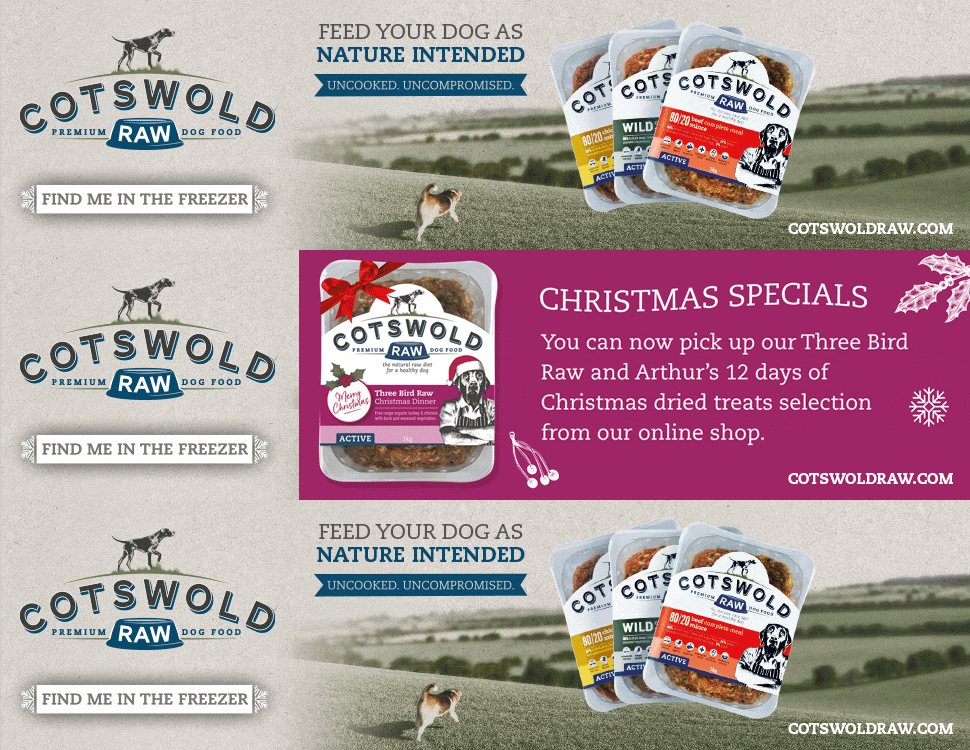
Effective billboard display advert examples

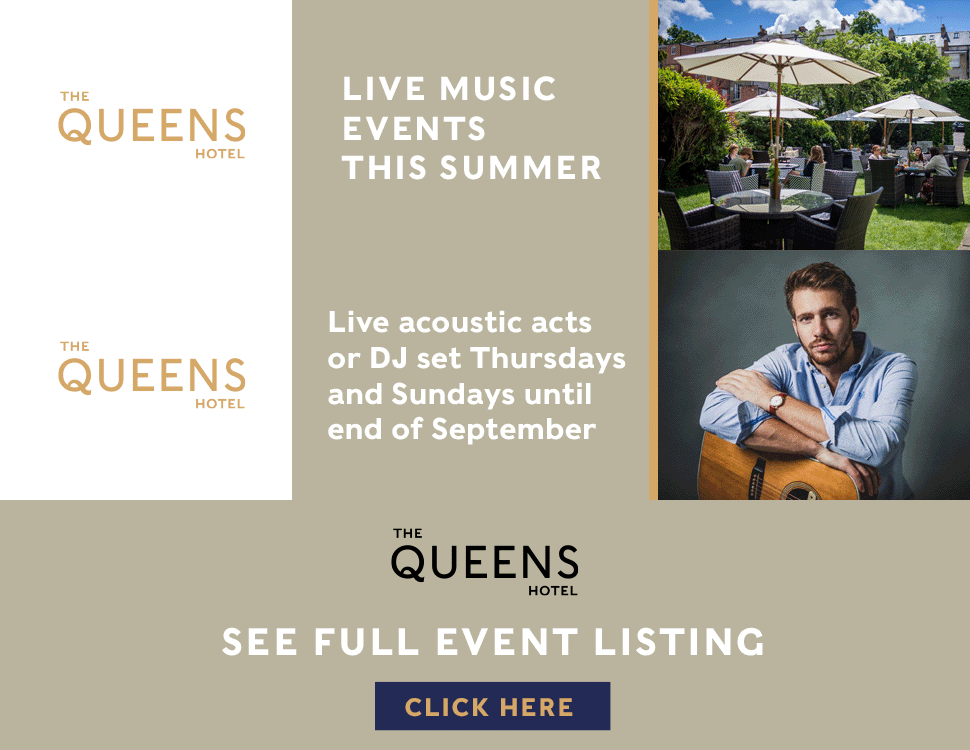
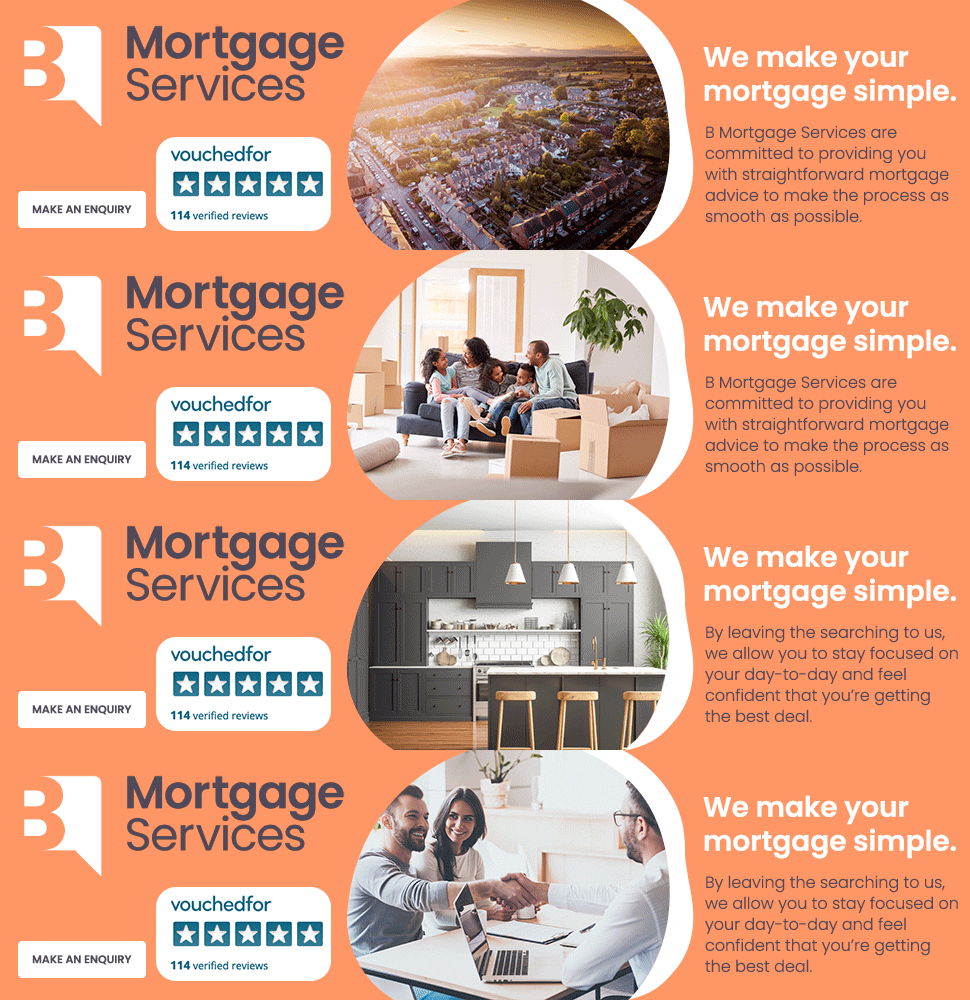




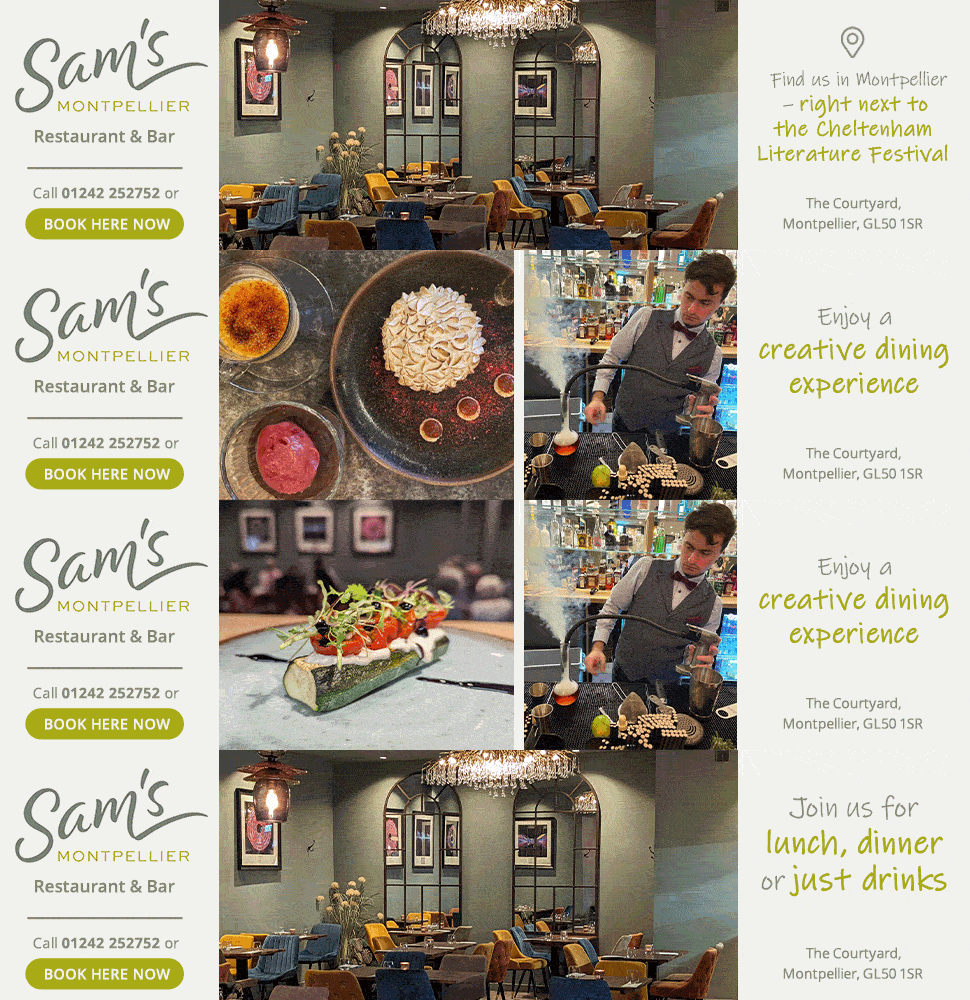

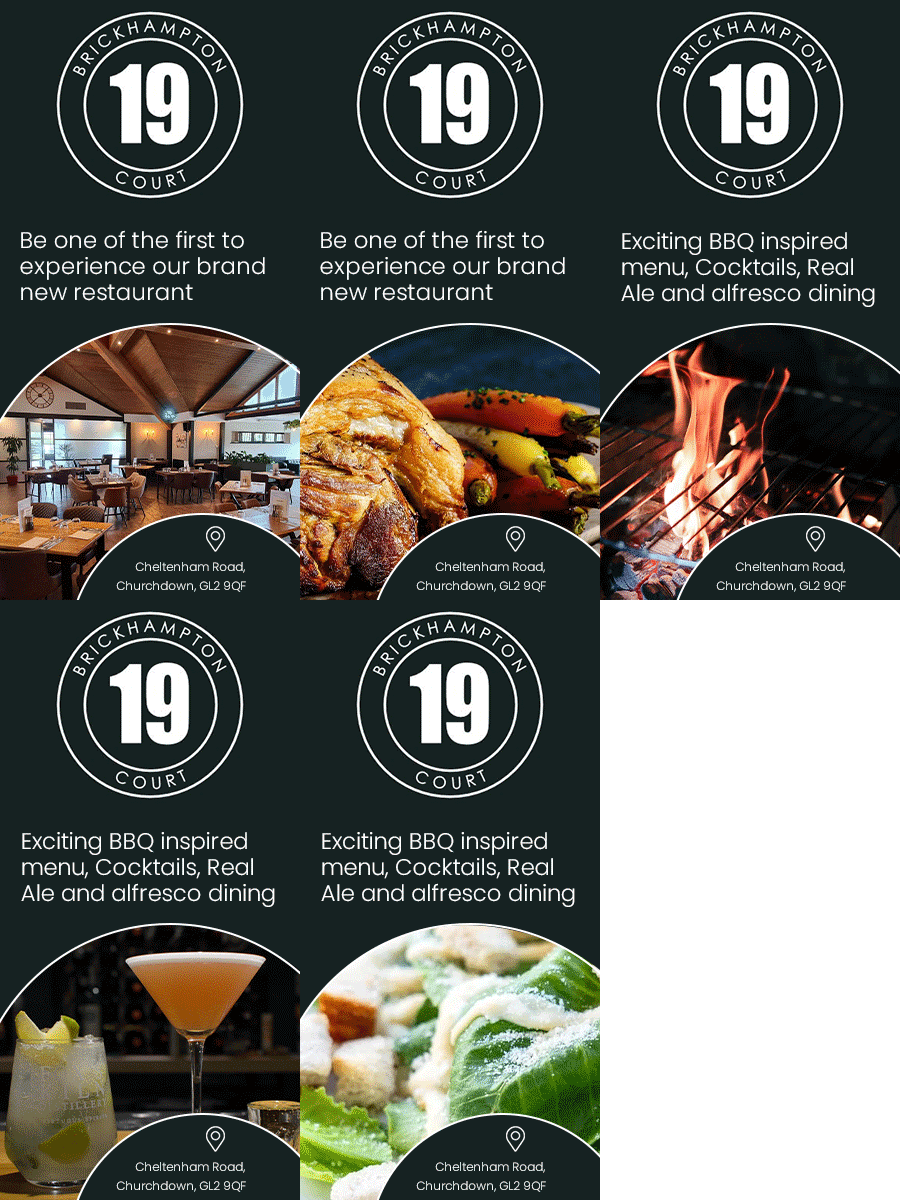
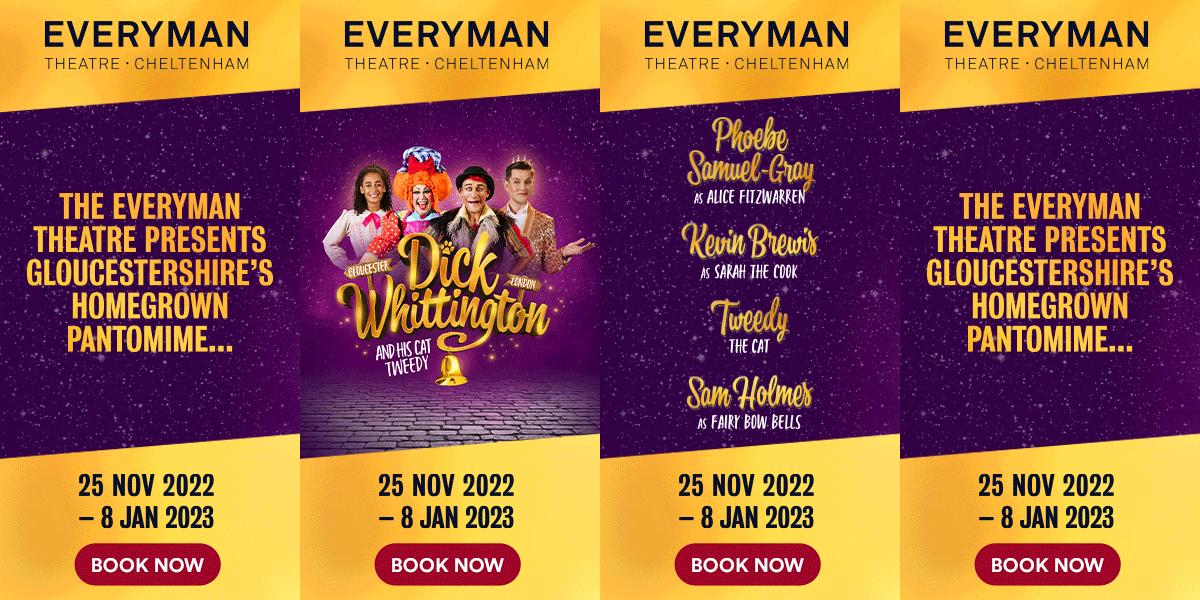
Effective super skyscraper display advert examples
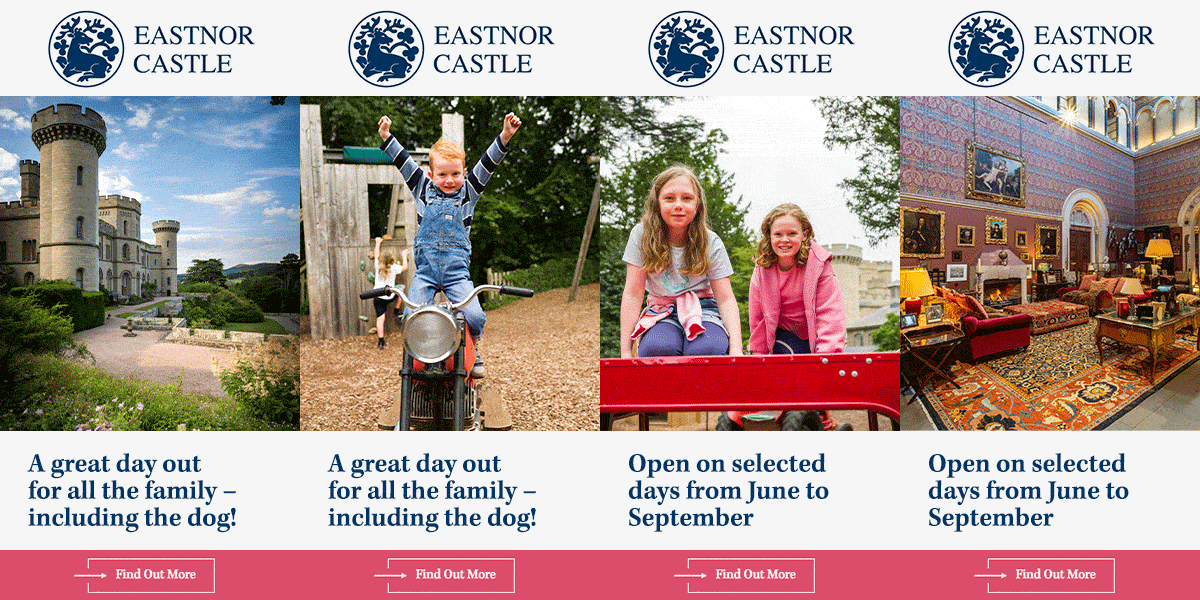




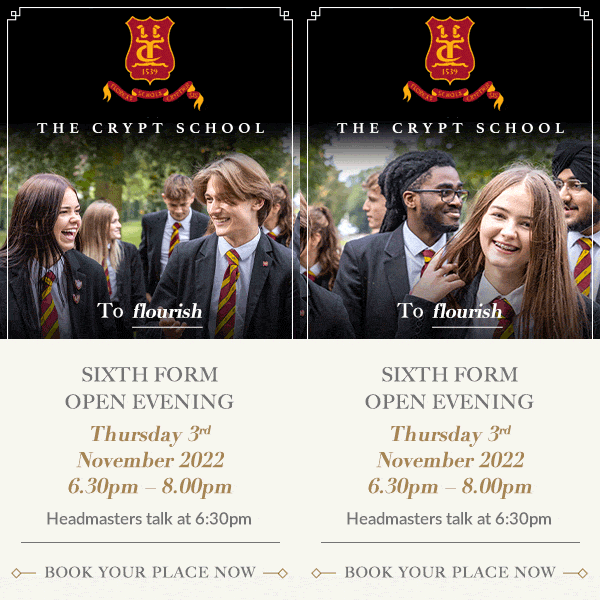


Effective MPU display advert examples